
Amazon Keyword Research Tool: Find Keywords for Listings and PPC
Even an irrelevant keyword costs you, whether you use it in your listing or bid on it. EcomDune is an Amazon keyword research tool that uses SP-API data. Discover Amazon SEO and PPC keywords and decide where each one fits best.
Not Just Any Amazon Keyword Generator
A keyword generator does not help you figure out which phrases accurately describe your product, which belong in the title, or which are worth testing with PPC. Sorting is the most important part of Amazon keyword research, and it is where most effort is wasted: the list is copied into an ad campaign or listing and never reviewed.
EcomDune is for the sorting step.
Why an Amazon Keyword Research Tool Works Differently from Google
On Google, a search can lead to an article, a video, or a product comparison. On Amazon, a search is more likely to lead to a product page. So a keyword has to meet two criteria: it must match what the seller offers and what the customer wants.
This is why the same word can perform differently. A broad term may attract the wrong clicks in ads, while a precise term suits a title. Conversely, a long-tail keyword may not fit naturally in a title but it can still be useful for PPC testing or backend search terms. Terms that miss the product also blur the listing for shoppers and make campaign results harder to read.
How the Amazon keyword tool from EcomDune operates
Our Amazon SEO Tool Helps You Use Keywords Where They Benefit Buyers
Use case: Optimizing listing title, bullets, and backend search terms. Keywords in your title, bullet points, and product description are visible to customers. Amazon keyword research helps you identify relevant terms to consider in each part of your listing, while organic rank tracking helps you monitor how those keywords perform over time.
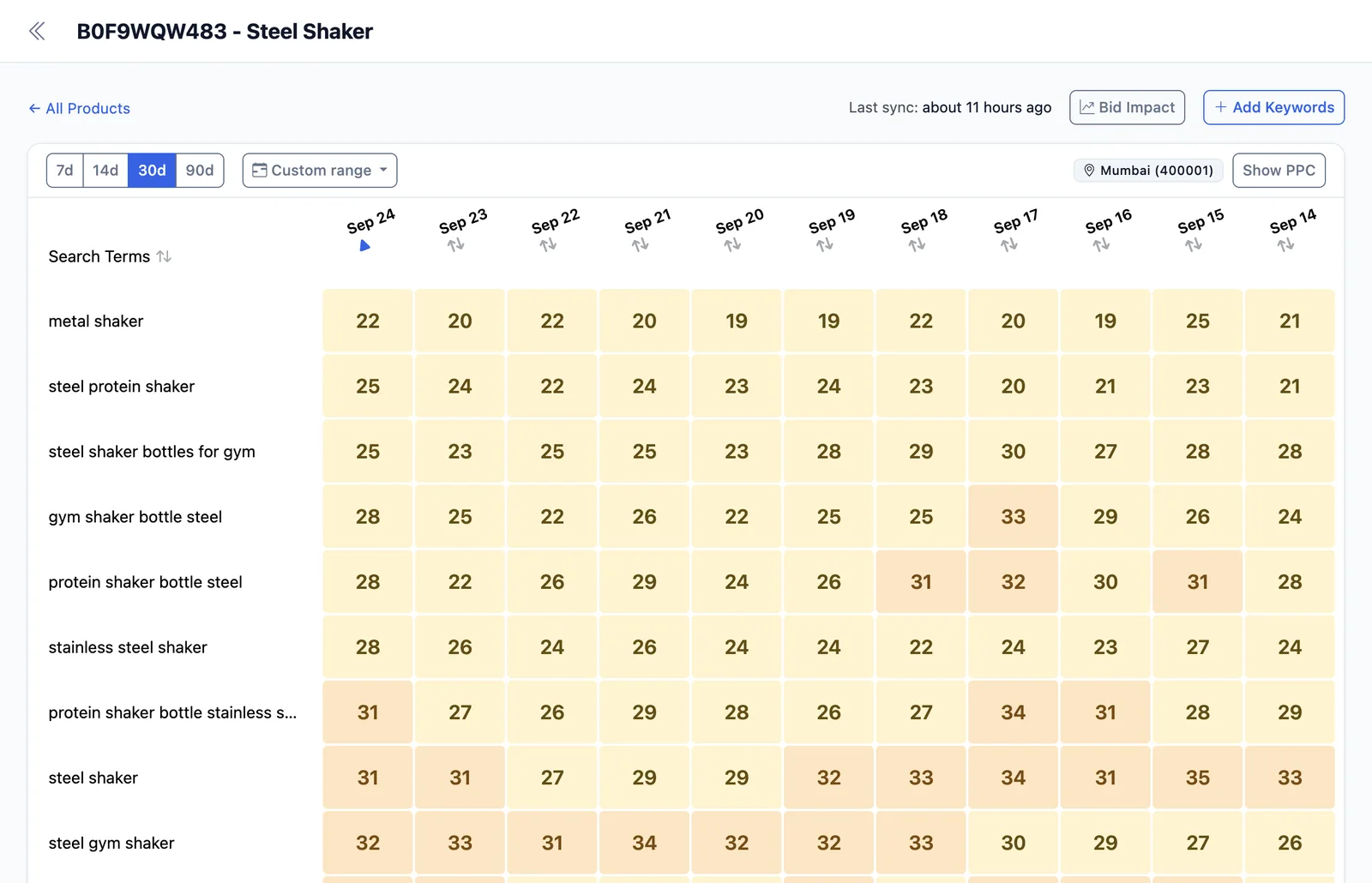
Title. Start with the product name or most relevant search term, followed by important information such as size, material, compatibility, or use. Read it aloud. If it sounds like a string of keywords, rewrite it.
Bullet points. Use bullet points to present product features, benefits, and possible uses. Use Amazon SEO keywords where they help buyers understand the product better.
Description. Use the description for additional useful information that does not fit naturally into the bullet points, using language your target audience understands.
Backend Search Terms: An Amazon Search Term Optimizer Workflow
Backend search terms are where you can add relevant phrases that do not fit naturally into your front-end text. This lets the title and bullet points stay focused on the customer while the backend supports search discoverability.
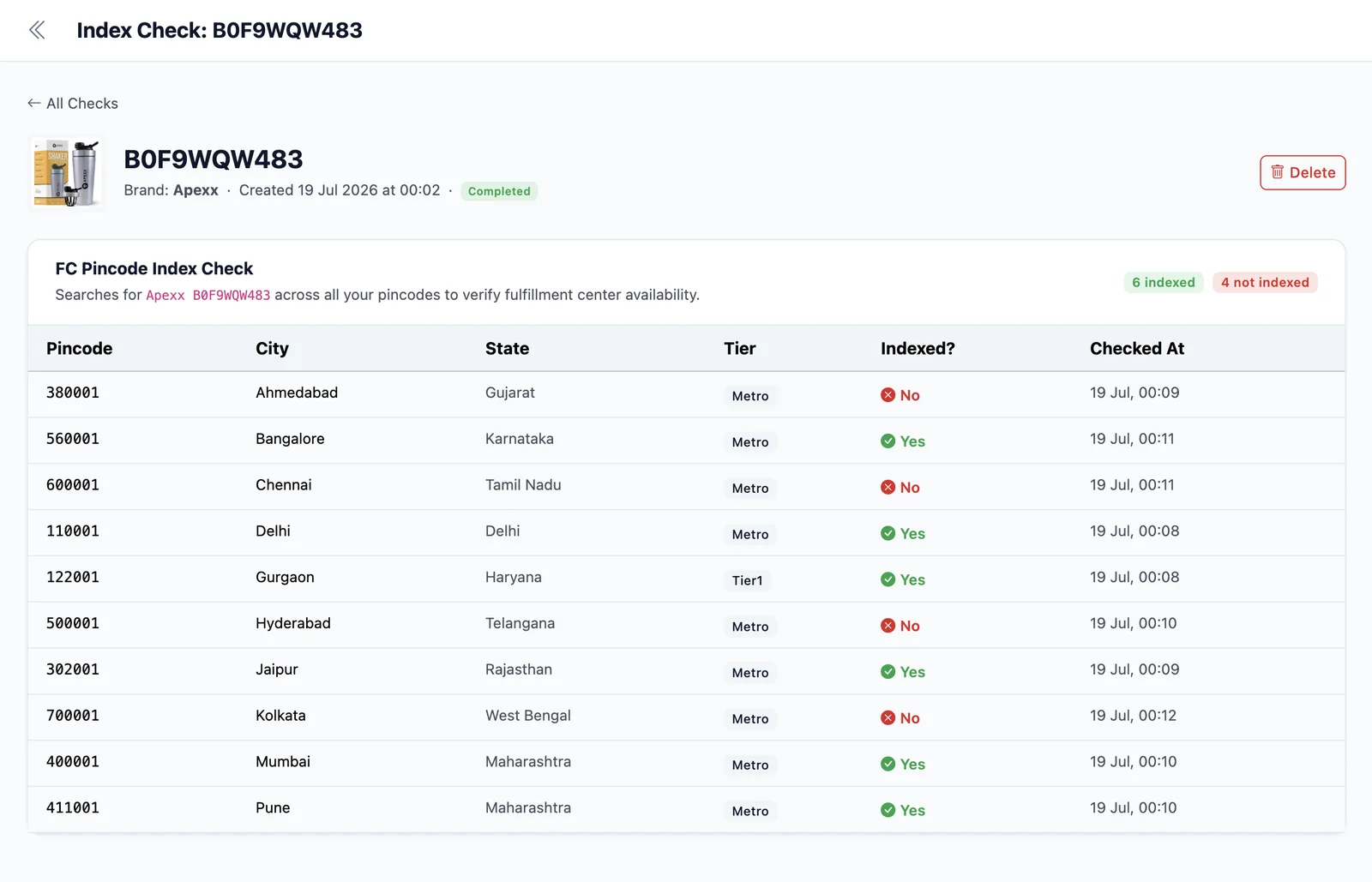
Shoppers do not see backend search terms, but they must still be relevant to the product. Any term that refers to a different product does not belong there, no matter how often customers search for it. Review your backend search terms when you update your title or bullet points, and use relevant synonyms or alternate terms that are not already covered in your visible listing.
Build PPC Keyword Lists with a Clear Goal
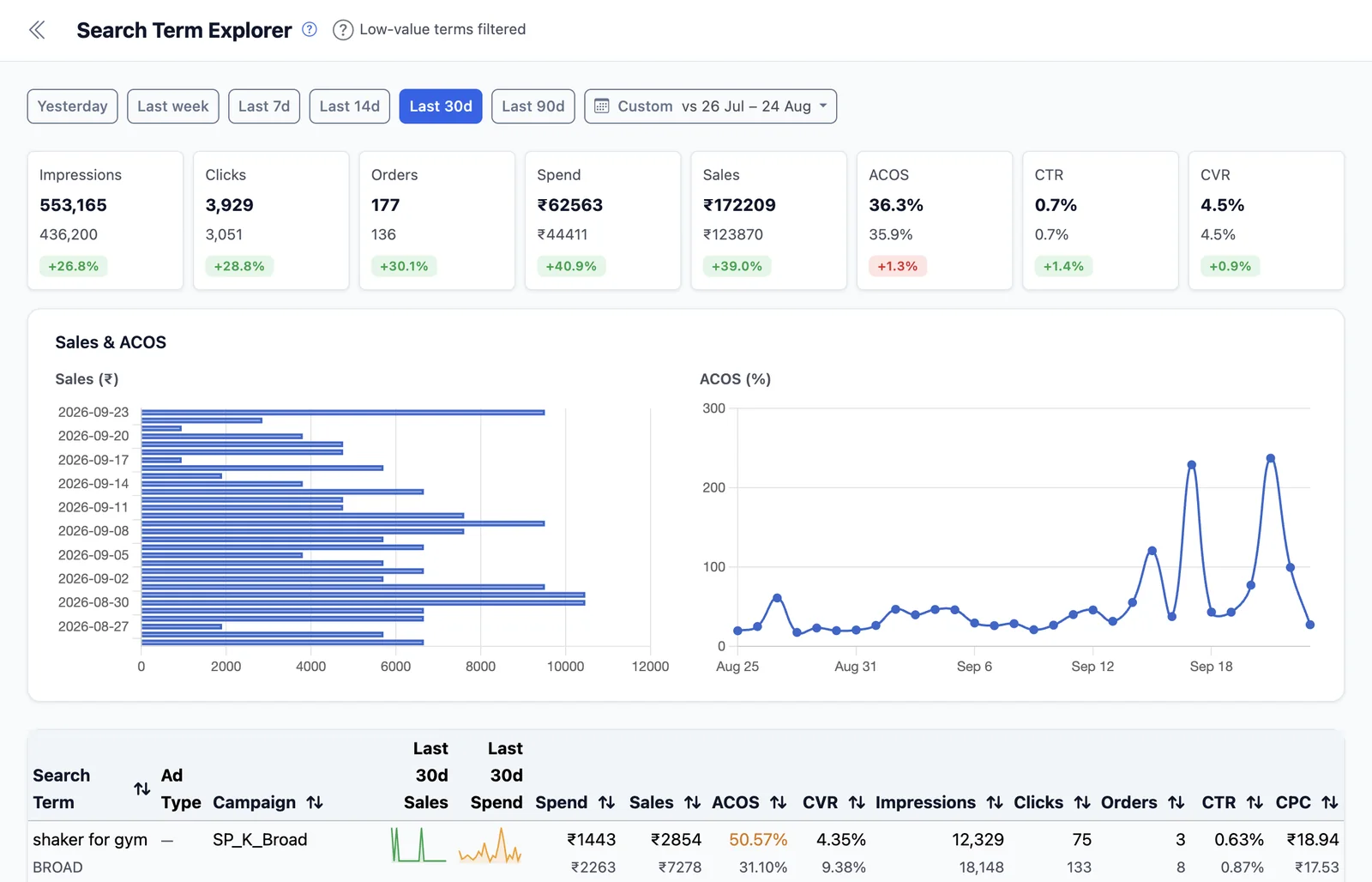
Use case: Building and refining PPC keyword lists for your Amazon ad campaigns. An Amazon keyword tool can help you identify relevant terms to consider, but your PPC keyword list should not simply copy your listing title into a campaign. Amazon Ads lets you test keywords against specific campaign goals, then use search-term and campaign data to refine your targeting.
Group keywords by the role each plays:
- Core terms that describe your product as closely as possible
- Specific phrases describing a feature, type, material, or use
- Broader terms that need testing
- Long-tail keywords for narrower needs
- Terms that suit ads but not listing copy
Start with the first two groups. Add broader terms once you have analyzed the narrower ones.
A phrase that looks relevant on paper may not be relevant in practice. It can sound right but still draw clicks from people looking for something else. Use PPC analytics to review search terms, campaign performance, and profitability. EcomDune lets sellers drill down from campaign to targeting to search term and compare PPC performance alongside organic rank and per-SKU net margin.
Keep a negative keyword list to avoid paying for clicks on irrelevant or low-performing searches. Amazon recommends using search-term data to identify queries that do not meet your goals and adding appropriate negative keywords.
What Data Powers EcomDune Keyword Research
EcomDune's keyword research relies on Amazon's SP-API data. Rank Tracker uses SP-API and Ads API data, and PPC Analytics uses Ads API data. So your research, rank performance, and ad performance are powered from Amazon's official APIs.
Amazon Keyword Research: Manual Research vs. EcomDune
| Objective | Manual Technique | EcomDune |
|---|---|---|
| Keyword source | Use seed phrases, competitor listings, and various tools. | Use Keyword Research in EcomDune, built on Amazon SP-API data. |
| Listing and PPC optimization | Maintain two separate lists. | Use one tool to research and evaluate keywords for both listing optimization and PPC. |
| Results tracking | Requires a separate tool or process. | Use Rank Tracker in EcomDune. |
| Ad performance evaluation | Download campaign reports and use them to guide your keywords. | Track results in PPC Analytics on the same platform. |
Manual research works well for a small number of products or a one-time launch. As your catalog grows, it becomes harder to stay consistent and to review the same keywords across titles, backend terms and ad campaigns. If you are comparing platforms, see our Helium 10 alternatives page.
Frequently Asked Questions
The best tool is the one that fits your purpose. For Amazon SEO and PPC keyword discovery, EcomDune bases its research on Amazon ecosystem data and sits alongside Rank Tracker and PPC Analytics, so you can check how well your chosen keywords perform.
Start with a prepared keyword list. Choose relevant words that are not already in your title or bullet points, remove duplicates and confusing terms, and use the rest as backend search terms. Check Amazon's current guidelines before you publish the change.
EcomDune offers a free trial. Test Keyword Research on one of your products and see whether it suits the way you manage listings and PPC.
Keyword research identifies the words to include in your marketing, while rank tracking shows how well those words perform. Do keyword research first, then use rank tracking.
Select the Keywords That Fit Your Products
Choose keywords that suit your products, then measure your results. Run keyword research for your next ad or product launch.
Start free trial